Last updated: November 2026
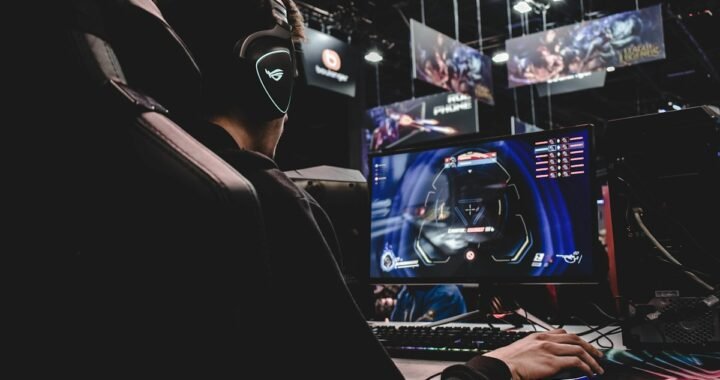
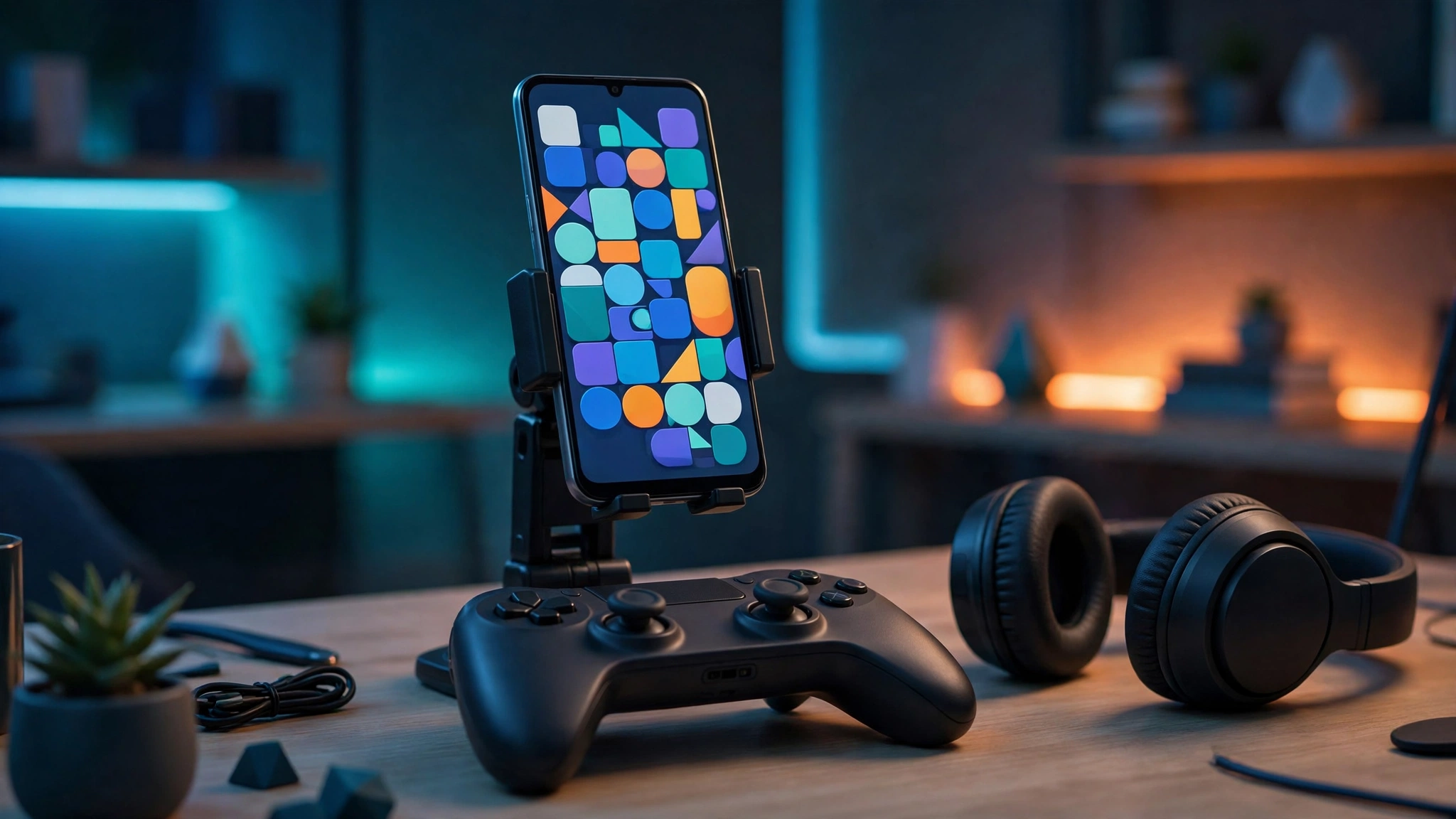
“Best games” lists fail when they pretend every player wants the same thing. A commuter with ten spare minutes, a teenager with a gaming phone and a controller, and a parent looking for something creative for their child need completely different recommendations. This guide to the best Android games 2026 is organised the way people actually play: by type. You will find creative sandbox worlds, pick-up-and-play runners, competitive battle royale and racing games, thoughtful puzzle and RPG picks, and games that work fully offline. Each featured game gets an honest look at its gameplay loop, how demanding it is on your phone, whether it supports a controller, and how its monetisation really behaves — because a “free” game that pressures you to pay every five minutes is not free in any way that matters.
At a Glance: Our Top Picks by Player Type
| Player type | Top pick | Also try | Needs internet? |
|---|---|---|---|
| Creative / sandbox | Roblox | Minecraft | Yes (Roblox); optional (Minecraft) |
| Quick sessions | Subway Surfers | Temple Run 2 | No |
| Competitive shooter | PUBG Mobile / COD: Mobile | — | Yes |
| Racing fan | Asphalt Legends Unite | Real Racing 3 | Mostly yes |
| Puzzle thinker | Monument Valley series | The Room series | No |
| RPG explorer | Genshin Impact | Stardew Valley (farming RPG) | Yes (Genshin); no (Stardew) |
| Offline traveller | Stardew Valley | Monument Valley, Subway Surfers | No |
Use the table to jump to your style, then read the honest detail before you download several gigabytes.
Creative and Sandbox: Roblox and Minecraft
Roblox is less a single game than a platform of millions of user-created experiences — obstacle courses, role-play cities, simulators, horror games and full RPGs built by its community. The gameplay loop depends entirely on which experience you enter, which is both its genius and its chaos: quality varies wildly, but there is always something new, and playing with friends across phone, tablet, PC and console is seamless. On Android it runs on a broad range of devices because individual experiences set their own demands; a recent mid-range phone handles popular experiences smoothly, while graphically heavy ones reward stronger hardware. Controller support exists in many experiences but is inconsistent, since each creator implements it separately. Monetisation needs honesty: Roblox is free to start, but Robux purchases, game passes and avatar items are everywhere, and younger players need spending limits and parental controls set from day one. For setup, safety settings and performance tips, see our complete guide to downloading Roblox on Android.
Minecraft remains the benchmark paid sandbox: one purchase, endless creative and survival worlds, no pressure to keep spending. It is more demanding than Roblox’s average experience and rewards a newer phone for larger render distances, supports controllers well, and works offline in single-player — an ideal long-term game for kids and adults alike.
Endless Runners: Subway Surfers and Friends
Subway Surfers is the definitive Android runner and one of the most downloaded games in Play Store history for good reason. The loop is perfectly tuned: swipe to dodge trains, jump and roll through a colourful city, collect coins, complete missions and chase your high score in runs that last two to five minutes. Its World Tour updates move the game to a new city regularly, keeping a decade-old game feeling current without changing what works. Performance needs are minimal — it runs well on almost any Android phone from the last several years, old or new, which is part of its legend. Controller support is unnecessary and not the point; touch swiping is the control scheme. Monetisation is comparatively gentle: ads and optional purchases for characters and boards exist, but nothing blocks progression, and it plays fully offline. If you want one game that respects short sessions, start with our guide to getting Subway Surfers on Android.
Temple Run 2 is the closest alternative, trading subways for jungle temples with the same swipe-and-tilt DNA. Both are excellent; Subway Surfers wins on update freshness and character charm.
Battle Royale and Competitive Shooters
PUBG Mobile and Call of Duty: Mobile define competitive shooting on Android. PUBG Mobile offers the tenser, more tactical battle royale: 100 players, large maps, long matches of 20–30 minutes and a serious esports scene. COD: Mobile is faster and more varied, packing battle royale plus classic team multiplayer modes into one app, and is the easier recommendation for shorter sessions. Both are demanding games — expect large downloads, a preference for phones with strong processors and high-refresh screens, and battery drain to match; both support controllers (COD: Mobile officially, with matched lobbies) and extensive graphics settings so mid-range phones can trade visuals for frame rate. Monetisation is cosmetic-led — skins and passes rather than power — which is the fair model, though pass fatigue is real. These are online-only games: budget your data accordingly.
Racing: Asphalt Legends Unite and Real Racing 3
Asphalt Legends Unite (the evolution of Asphalt 9) is arcade racing at maximum gloss: licensed supercars, impossible jumps, nitro-fuelled drifts and short, spectacular races. It is one of the best-looking games on Android and scales from modest phones to gaming flagships, with touch, tilt and controller options including a popular touch-drive assist that steers for you. The honest catch is its energy and upgrade systems, which nudge towards purchases and waiting timers more than purists like. Real Racing 3 sits at the opposite pole: realistic handling, real tracks and a simulation feel, with monetisation built around car unlocks and repairs. Pick Asphalt for arcade fun in three-minute bursts; pick Real Racing 3 if you actually care about braking points.
Puzzle Games: Small Downloads, Big Satisfaction
Monument Valley and its sequels are the puzzle games even non-gamers finish: impossible-architecture optical illusions you rotate and slide to guide a silent princess through ten beautiful chapters. They are paid, short, fully offline, gentle on any hardware and completely free of ads or in-app pressure — gaming as a coffee-table book. The Room series offers the darker alternative: intricate mechanical puzzle boxes, tactile and atmospheric, also paid and offline. For free puzzle play, the Play Store’s match-3 giants entertain millions, but expect the standard energy timers and boost purchases. Puzzle is the genre where paying a small amount upfront most clearly buys a better, calmer experience.
RPGs and Big Adventures: Genshin Impact and Stardew Valley
Genshin Impact proved a phone could host a genuine open-world action RPG: a vast, gorgeous world, elemental combat, co-op play and regular story updates rivalling console releases. It is also the most demanding mainstream game on Android — plan for a very large download, a powerful phone for high settings, constant internet and significant storage. Its gacha monetisation is the honest warning: characters arrive through randomised banners, the game is fully playable without paying, but it is designed to tempt spending, so set limits before the first banner, not after. Stardew Valley is its perfect counterweight: a one-time purchase farming and life RPG with hundreds of hours of gentle play, full offline support, controller compatibility and zero in-app purchases. Together they show the two honest ways to pay for games — and only one of them ever asks twice.
Best Offline-Friendly Games for Travel
When signal disappears — flights, rural travel, data-saving months — these picks keep working: Subway Surfers and Temple Run 2 for quick sessions, Stardew Valley and Minecraft for long ones, Monument Valley and The Room for quiet ones, and most premium puzzle and adventure titles generally. Before travelling, open each game once while online so licence checks and downloads complete, download any in-game content packs, and put the phone in flight mode to test what actually works offline. An evening of preparation beats discovering at 35,000 feet that your “offline” game wanted a server.
Performance Guide: Matching Games to Your Phone
You do not need a flagship to enjoy Android gaming, but matching expectations to hardware saves frustration. Budget phones handle runners, puzzle games, 2D titles and Roblox’s lighter experiences perfectly well — that covers most of this list. Mid-range phones from the last two to three years run everything here, with battle royale and racing titles at medium settings and Genshin at low-to-medium. Flagships unlock high frame rates and maximum graphics in shooters and Genshin, plus better sustained performance before heat throttling. Whatever your phone: close background apps before a demanding session, keep 15–20% storage free (large games need room for updates), use the game’s battery-saver or balanced graphics mode for long sessions, and remember that a stable frame rate feels better than prettier graphics that stutter.
How to Spot Safe Game Downloads and Avoid Fake Mod APK Scams
This section may be the most valuable in the guide. Any search for a popular game returns sites promising “mod APKs” — unlimited money, unlocked everything, free Robux or V-Bucks. Treat every one as a scam risk. These files commonly carry malware, steal accounts, or are simply the normal game wrapped in adware; the promised cheats usually do not work because balances live on the game’s servers, not your phone. Bans are the best-case outcome — developers actively detect modified clients. Stay safe with five rules. One: download games only from the Google Play Store or the developer’s official website. Two: check the developer name on the store listing matches the real publisher, and be suspicious of copycat icons. Three: never install a game file sent through messaging apps or linked from a video promising free currency. Four: keep Play Protect on and avoid granting accessibility or device-admin permissions to any game. Five: teach younger players that free-currency generators are always fake — no website can add Robux or coins to an account. Legitimate games are free or cheap enough that the risk is never worth it.
Honourable Mentions Worth Your Storage
A few more proven favourites deserve a place on this shelf. Among Us remains the best cheap party game on Android: five-to-fifteen players completing tasks while impostors sabotage the ship, funniest with friends on voice chat and playable in short rounds. Candy Crush Saga is still the match-3 benchmark for casual players — gentle, colourful and ideal for five quiet minutes, with the genre’s usual energy timers as the trade-off. EA Sports FC Mobile serves football fans with licensed teams and quick online matches, though its card-collecting monetisation rewards patience or spending. Stumble Guys offers light-hearted obstacle-course races against dozens of players, a friendlier, sillier cousin of the battle royale idea that runs well on modest phones. None of these need a flagship device, and each does one simple thing extremely well — which is exactly what a good mobile game should do.
Frequently Asked Questions
What is the best free Android game in 2026?
For variety, Roblox offers the most free content, while Subway Surfers is the best free game that respects your time and works offline. Competitive players should choose PUBG Mobile or COD: Mobile. All are free to start; the difference is how their in-app purchases behave, which each section above covers honestly.
Which Android games work completely offline?
Subway Surfers, Temple Run 2, Stardew Valley, Minecraft (single-player), Monument Valley and The Room all work fully offline. Most puzzle and premium adventure games do too. Open them once online before travelling so licence checks and downloads finish, then test in flight mode.
Do I need a gaming phone to play the best Android games?
No. Most top games scale across hardware: runners, puzzle and 2D games run on almost anything, and even Genshin Impact and PUBG Mobile offer lower settings for mid-range phones. A flagship improves frame rates and graphics in the most demanding titles, but it is an upgrade, not a requirement.
Are mod APKs and free-currency sites safe?
No. Mod APKs are a common malware and account-theft route, the promised cheats rarely work because game balances are stored on servers, and using modified clients risks a permanent ban. Only download games from the Google Play Store or the developer’s official site, and keep Play Protect enabled.
Which Android games support controllers?
Minecraft, COD: Mobile, Stardew Valley, Asphalt Legends Unite and many racing and RPG titles support Bluetooth controllers well. Roblox support varies by experience, since each creator implements it. Touch-first games like Subway Surfers are designed for swiping and do not need a controller.
Our Verdict
The best Android games of 2026 are not a top-ten list — they are a shelf: Roblox or Minecraft for creating, Subway Surfers for minutes, PUBG Mobile or COD: Mobile for competing, Asphalt for speed, Monument Valley for calm, and Genshin Impact or Stardew Valley for a world to live in. Match the game to your phone and your free time, buy premium where it replaces pressure with peace, and download only from official sources. Browse our full Games category for individual game guides, safe download walkthroughs and settings tips for every title featured here.