Last updated: November 2026
Choosing the best email apps for Android sounds simple until you actually try. Most phones ship with Gmail already installed, and for many people that is the end of the decision. But your inbox is where work, bills, bookings and personal messages all land, so the app you use to read it deserves more thought than the default. A good email app keeps your inbox tidy without hiding messages you need, works smoothly with more than one account, and stays fast even when you have thousands of unread emails. A bad one buries important messages, shows you adverts, or drains your battery with constant syncing. This guide compares five of the best email apps for Android in 2026 — Gmail, Outlook, Proton Mail, Spark and a handful of strong alternatives — on features, privacy, price and who each one suits best. Email is still the backbone of everyday communication; if you want messaging covered too, see our guide to the best messaging apps for Android. Whichever app you choose, download it only from the official Google Play Store listing or the developer’s own site.
What Makes a Great Email App on Android?
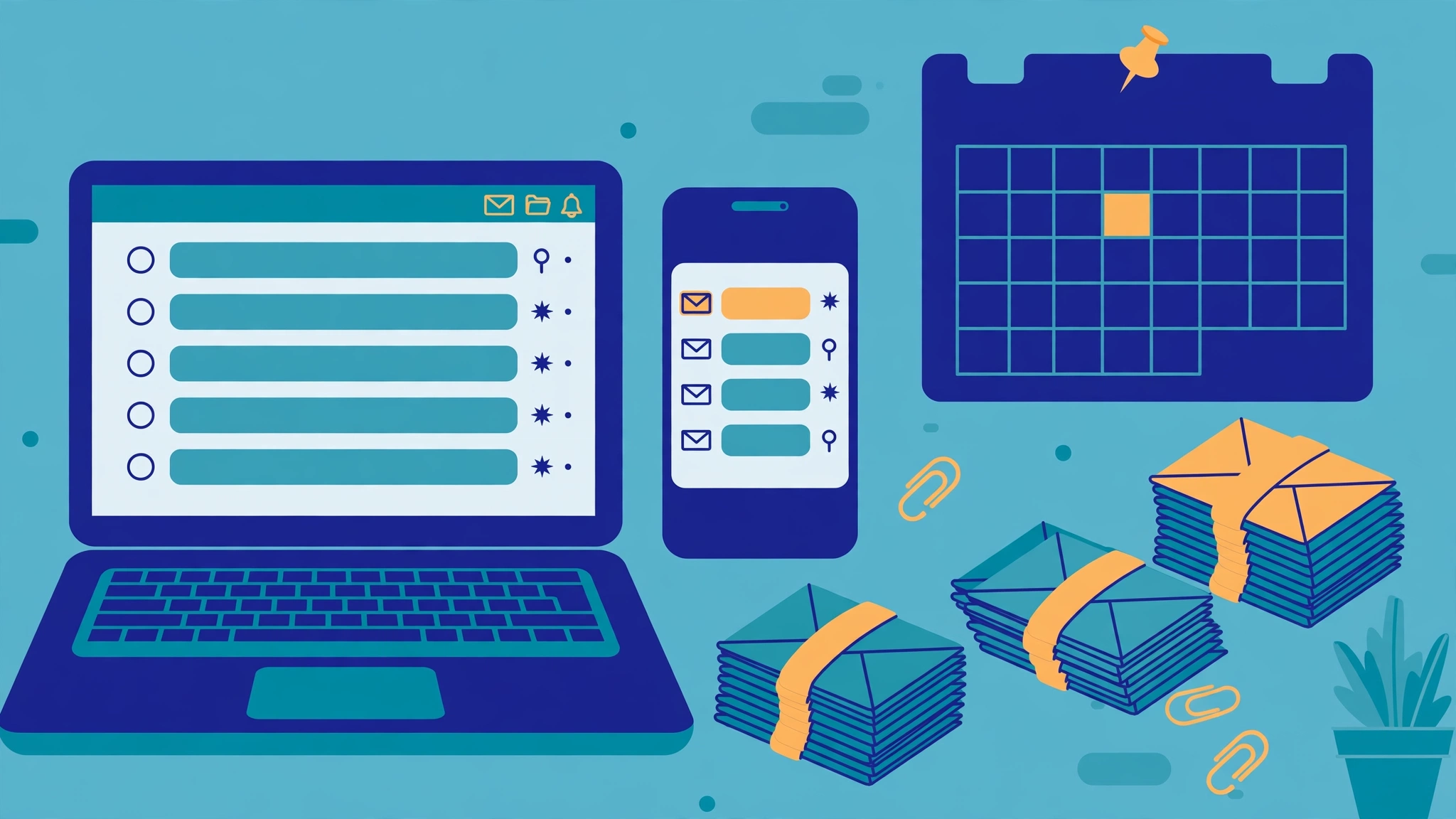
Before comparing names, it helps to know what actually matters, because email apps are sold on long feature lists and not every feature is useful. Reliability comes first: an email app must deliver new mail quickly, keep your read and unread states in sync across devices, and never lose a message you were writing. If you use more than one account — say a Gmail address for personal mail and a work address on Outlook — the app must handle both without forcing you to switch accounts constantly. A unified inbox that merges all your accounts into one view is one of the most useful features an email app can offer.
Then come the tools that save you time. Good search matters more than most people realise: you should be able to find a booking confirmation from two years ago in seconds, by sender, subject or attachment. Snooze, scheduled sending and quick swipe actions — archive with one swipe, delete with another — make the daily triage of an inbox far less painful. Smart sorting, which groups promotions and newsletters away from the messages that need a reply, helps too, although it should never hide something important without telling you. Finally, look at privacy and price: does the app scan your emails to show you adverts, does it store your messages on its own servers, and which features are free versus paid? Those answers shape the choice more than any single feature.
Gmail: The Default Most People Already Have
Gmail is the default email app on almost every Android phone, and for most people it is also the right choice. If your main address is a Gmail account, the app is tightly integrated with the rest of Google’s services: your calendar, your contacts, Google Drive attachments and the meeting links that arrive in your inbox all work without extra setup. Search is genuinely excellent — it is Google, after all — and it can find a message from years ago by sender, subject, keyword or attachment type in a couple of seconds.
The app has improved steadily over the years. Smart sorting puts promotions and social updates into separate tabs, keeping your primary inbox for the messages that matter. You can schedule emails to send later, snooze a message until tomorrow morning, and set up nudges that remind you to reply to a message you ignored. The confidential mode lets you set an expiry date on sensitive emails, and the built-in spam filter is one of the best available, catching most junk before it reaches your inbox.
There are two catches. First, Gmail works best with a Google account; adding a Yahoo or Outlook address is possible, but the experience is smoother with Gmail addresses. Second, the free version shows adverts in the promotions tab and Google uses automated scanning to power features such as smart replies — something privacy-conscious users may dislike. But for most Android users, Gmail is fast, free, reliable and already installed, which is a hard combination to beat.
Outlook: The Best All-Rounder for Work
Microsoft Outlook is the best email app for Android if you juggle work and personal mail, and it is the strongest all-rounder on this list. It handles Gmail, Outlook, Yahoo and other accounts in one unified inbox, and it does a better job than Gmail of treating non-Google accounts as first-class citizens. The Focused Inbox is its headline feature: it learns which messages matter to you and moves newsletters and bulk mail into an “Other” tab, so the important emails stay visible.
Outlook’s real strength is how it connects with the rest of Microsoft’s tools. Your calendar sits inside the app, so you can check your day and reply to a meeting invite without switching apps. Files from OneDrive and Google Drive attach easily, and you can open Word or Excel attachments directly. The built-in search covers emails, attachments and contacts, and the swipe gestures are fully customisable — archive, delete, flag or mark as unread, exactly how you like it.
The trade-offs are modest. Outlook’s interface is busier than Gmail’s, and if you do not use Microsoft services, some of its integration is wasted on you. It also stores your account details on Microsoft’s servers to enable push notifications, which privacy-minded users should know about. But if you want one app for every account you own, with a genuinely useful calendar built in, Outlook is the most complete free option available.
Proton Mail: The Privacy-First Choice
Proton Mail is the email app for Android to choose if privacy is your top priority. Based in Switzerland and built by the team behind Proton VPN, it encrypts your messages so that even Proton itself cannot read them. That is a stronger guarantee than Gmail or Outlook offer, where your mail is stored in a form the provider can access. Proton Mail also blocks tracking pixels in emails by default, so senders cannot tell when you opened their message or where you were when you did.
The app itself is clean and fast, with a focused inbox, labels and folders, scheduled sending, and a built-in calendar on paid plans. The free tier gives you one email address and a modest amount of storage, which is enough to try the service properly. Paid plans add more storage, custom domains, extra addresses and the ability to use your own domain name — useful if you run a small business or a blog and want a professional address.
There are limits to know about. Proton Mail works best when both sender and recipient use Proton; messages to Gmail or Outlook addresses are still delivered normally, but they are not end-to-end encrypted unless you use the optional password-protected message feature. The free tier’s storage is smaller than Gmail’s, and the app lacks some of Gmail’s smart features, such as automated travel bookings. For anyone who wants their inbox to be genuinely private, though, those trade-offs are worth it. If you want the same privacy-first thinking in messaging, our round-up of the best safe WhatsApp alternatives for Android covers the options.
Spark: The Smart Inbox for Busy People
Spark, from the makers of the Readdle apps, is the email app to pick if your inbox feels like a second job. Its Smart Inbox automatically sorts your mail into personal messages, newsletters and notifications, so the emails that need your attention are always at the top. It also groups related emails together — a booking confirmation, the check-in reminder and the boarding pass all sit in one thread, which makes travel far less stressful.
Spark’s standout feature is its teamwork tools. You can share a draft with a colleague and discuss it privately before sending, delegate an email to someone else on your team, and set reminders on messages so nothing slips through. Templates let you save replies you send often, and scheduled sending means you can write an email at midnight and have it arrive at nine in the morning. The app works with Gmail, Outlook, Yahoo and other accounts, and its interface is one of the most polished of any email app on Android.
The catch is price. The free version covers the essentials for personal use, but the team features and some of the smarter tools sit behind a paid subscription. Spark also routes your mail through its own servers to power its smart features, which is something privacy-conscious users should weigh. For an individual who just wants a calmer inbox, the free version is excellent. For a small team drowning in shared email, the paid plan may pay for itself.
Other Apps Worth a Look: BlueMail, FairEmail and K-9 Mail
Beyond the big names, three alternatives deserve a mention. BlueMail is a capable free app that supports almost every email provider, offers a unified inbox, snoozing and scheduled sending, and looks good doing it. It is a solid choice if you want Outlook-style features without a Microsoft account, although it has faced questions in the past about how it handles account credentials, so check the current privacy policy before signing in.
FairEmail is the opposite end of the spectrum: a privacy-focused, open-source app with no adverts and no tracking, built by an independent developer. It is highly customisable — you can change almost everything about how it looks and behaves — but that flexibility comes with a steeper learning curve and a plainer interface. It is the best choice if you want an email app that respects your privacy and does exactly what you tell it to.
K-9 Mail, now developed alongside Thunderbird, is another open-source option with a loyal following. It is lightweight, supports encryption, and works well on older phones, though its interface feels dated next to Spark or Gmail. All three are worth trying if the mainstream apps do not fit, and all of them are free. Telegram is a messaging app rather than an email client, but many people run both side by side; if you use it, get it from the official source — our Telegram APK download guide explains the safe route.
Head-to-Head Comparison
| App | Price | Unified inbox | Best feature | Best for |
|---|---|---|---|---|
| Gmail | Free; paid storage via Google One | Yes, but best with Google accounts | Excellent search and spam filter | Most Android users |
| Outlook | Free; paid Microsoft 365 adds storage | Yes, all major providers | Focused Inbox and built-in calendar | Work and multiple accounts |
| Proton Mail | Free tier; paid plans for more storage | No, Proton accounts only | End-to-end encryption and tracker blocking | Privacy-first users |
| Spark | Free tier; paid plan for teams | Yes, all major providers | Smart Inbox and team collaboration | Busy inboxes and small teams |
| BlueMail | Free with optional premium | Yes, almost any provider | Broad provider support and snoozing | A free Outlook-style alternative |
| FairEmail | Free; paid features unlock extras | Yes, any provider | Privacy, open source, deep customisation | Privacy-conscious power users |
The table makes the choice simpler. If you want the easiest option, Gmail is already on your phone and does the job well. If you want one app for work and personal mail, Outlook is the most complete. If privacy is the deciding factor, Proton Mail is the clear pick, and FairEmail is the open-source alternative. Spark is the best choice when your inbox is out of control, and BlueMail is the capable free backup if none of the others fit.
Free vs Paid: What Is Worth Paying For?
Almost every email app on this list is free for personal use, so the real question is whether the paid version is worth it. For most people, it is not. The free tiers of Gmail, Outlook, Spark and Proton Mail cover sending, receiving, searching, snoozing and multiple accounts — everything a normal inbox needs. What you pay for is storage, professional features and team tools: more space for attachments, a custom domain for your address, shared inboxes and collaboration features.
The one exception is storage. Gmail gives you a generous amount of shared storage across Google services, but it fills up faster than you expect once Drive and Photos are counted in the same total. If you regularly hit the limit, paying for extra storage is usually better value than switching email apps. Proton Mail’s paid plans are worth it if you want a custom domain or more than one address, and Spark’s paid plan makes sense for a team rather than an individual.
Before you pay for anything, clean your inbox first: delete old newsletters, unsubscribe from the ones you never read, and search for large attachments you no longer need. And whatever app you choose, switch on two-factor authentication on your email account — it is the single most important security step for your inbox, because your email is the key to resetting almost every other account you own.
Frequently Asked Questions
Which is the best free email app for Android?
Gmail is the best free email app for most Android users: it is already installed, its search and spam filter are excellent, and it handles personal mail very well. Outlook is the best free alternative if you have several accounts from different providers, and Proton Mail is the best free option if privacy is your priority.
Can I use Gmail and Outlook in the same app?
Yes. Both the Gmail app and the Outlook app let you add accounts from other providers, so you can read Gmail and Outlook mail in one place. Outlook generally handles non-Google accounts more smoothly, while Gmail works best when your main address is a Google account. Either way, your emails stay on your provider’s servers — the app is just a window onto them.
Is Proton Mail better than Gmail for privacy?
Yes, for privacy specifically. Proton Mail encrypts your messages so that even Proton cannot read them, and it blocks tracking pixels by default. Gmail offers strong security, but Google can access your mail to power features such as smart replies. If privacy is your main concern, Proton Mail is the stronger choice; if convenience and integration matter more, Gmail is the easier option.
Do email apps on Android show adverts?
Some do. Gmail shows adverts in its promotions tab on the free version, and some third-party apps show adverts unless you pay. Outlook, Proton Mail, Spark and FairEmail do not show adverts in the inbox. If adverts bother you, switching to one of those apps is a simple fix.
Can I switch email apps without losing my emails?
Yes. Your emails live on your provider’s servers — Gmail, Outlook, Yahoo or Proton — not inside the app itself. Installing a new email app and signing in with the same account shows you the same inbox, the same folders and the same sent mail. The only things that may not transfer are app-specific settings such as custom swipe actions, which you will need to set up again.
The Verdict
So, which is the best email app for Android in 2026? For most people, the answer is the one already on your phone: Gmail is fast, free, brilliantly searchable and deeply integrated with Android. But “most people” is not “everyone”. If you juggle work and personal accounts, Outlook’s unified inbox and built-in calendar make it the most complete free option. If privacy is what keeps you up at night, Proton Mail’s encryption and tracker blocking are unmatched. If your inbox feels out of control, Spark’s smart sorting and scheduling will calm it down.
The good news is that switching costs almost nothing: your emails live on your provider’s servers, so you can try a new app for a week and switch back if you do not like it. Pick the one that matches your priorities, set up your swipe actions, switch on two-factor authentication, and give it a few days before judging it. And if you want to keep exploring the apps that make Android work better — from messaging to productivity — browse the Communication section for more honest guides to the apps worth your time.