Last updated: November 2026
If you have ever wondered what an Android security update explained in plain language actually looks like, this guide is for you. Every month, a small update arrives on your phone with a dull name and almost no visible changes, and it is tempting to ignore it. That would be a mistake. Those quiet monthly patches are the main way Google and your phone’s manufacturer close security holes that criminals and malicious apps try to exploit, and a phone that misses them becomes easier to attack with every month that passes. This guide explains what monthly patches contain, how they differ from feature updates and major Android upgrades, why the security patch level on your phone matters, and how the update schedules of Pixel, Samsung and other brands compare. No invented figures, just the practical facts you need to keep your phone safe.
What Is an Android Security Update?
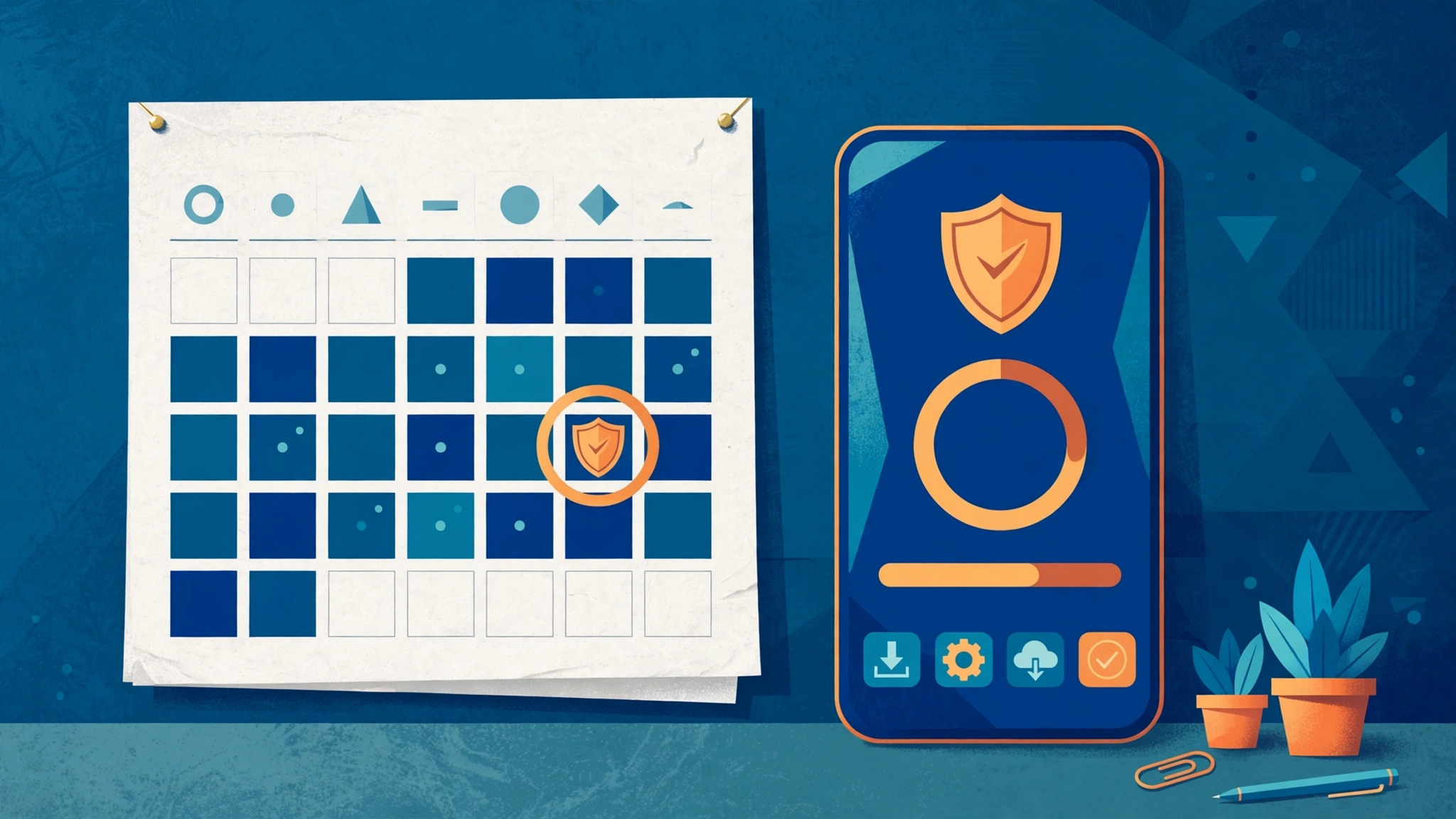
An Android security update is a small software update whose only job is to fix security weaknesses in your phone. Google publishes a monthly Android Security Bulletin listing the weaknesses it has fixed, and phone makers then build those fixes into an update for their devices. The update itself is usually small — tens of megabytes rather than the gigabytes of a major Android version upgrade — and it installs in a few minutes, often overnight.
Android is a huge piece of software, built from millions of lines of code across the operating system, the Linux kernel underneath it, and the drivers that talk to your phone’s processor, modem and camera. Mistakes in that code can create openings: a malformed message, image or web page that crashes a component, or a flaw that lets one app read data belonging to another.
Security updates are separate from the apps on your phone. Updating Chrome or your banking app protects those apps, but it cannot fix a weakness in Android itself. Only a system update can do that, which is why the monthly patch and the app updates in the Play Store are two different layers of protection, and you need both.
Monthly Patches, Feature Drops and Major Upgrades
Not every update on your phone is a security update, and the names can be confusing, so here is the distinction that matters. A monthly security patch fixes weaknesses and changes almost nothing you can see. A feature drop — Google’s quarterly Pixel Drops are the best-known example — adds new features, such as camera improvements or new settings, and usually includes the month’s security fixes as well. A major upgrade, such as the move to a new Android version, changes the interface, adds headline features and includes a large set of security fixes, but arrives only once a year.
The important point is that these three types of update travel on different schedules and do different jobs. A phone can receive feature drops and major upgrades while missing security patches, and vice versa. When you judge how well your phone is supported, the security patch is the measure that matters most, because it is the one that keeps known weaknesses closed. A phone that gets the latest Android version but no monthly patches is less secure than a phone on an older version with up-to-date patches.
What Monthly Patches Actually Fix
Monthly patches cover several parts of your phone, and the bulletin groups the fixes so you can see where they land. The largest group usually covers the Android framework itself — the core services that apps rely on, including the media components that handle images, audio and video. A flaw in a media component is a classic attack route, because a malicious file only needs to be opened to trigger it, so these fixes matter even if you never visit suspicious sites.
A second group covers the Linux kernel and the drivers for your phone’s hardware: the processor, the mobile modem, Wi-Fi and Bluetooth chips, and the graphics processor. These are often supplied by chip makers, which is why a patch can take longer to reach some phones than others — the fix has to travel from Google to the chip maker to your phone’s manufacturer before it reaches you. A third group covers system components such as the telephony stack and the code that handles messages and calls. Google also fixes weaknesses in its own apps and services, such as Play Services, through the Play Store, which is one reason some protections arrive without a full system update.
None of this is visible to you, and that is the point: a good security patch changes nothing about how your phone looks or feels. If an update promises dramatic improvements, it is a feature update, not a security patch.
The Security Patch Level: How to Read It
Your phone carries a simple label that tells you how up to date its security fixes are: the Android security patch level, shown as a date. You can find it in Settings, usually under About phone, then Android version. A patch level of 5 November 2026 means your phone contains the security fixes published up to that date. A phone showing a patch level from six months ago is missing half a year of fixes, even if everything else about it works perfectly.
The patch level is the single most useful number for judging a phone’s security. It matters more than the Android version number, more than the brand, and more than the price you paid. When you buy a second-hand phone, check the patch level before you hand over money: a phone stuck on an old patch level will stay exposed to every weakness discovered since. When you read reviews of a new phone, look for the manufacturer’s promised support window — how many years of monthly or quarterly patches it will receive — because that promise decides how long the phone stays safe, not just how long it stays fast.
One quirk worth knowing: the patch level date is the date of the fixes, not the date you installed them. What matters is the date itself, and how far behind today it sits.
Pixel vs Samsung vs Other Brands
Update speed and support length vary sharply by brand, and this is one of the biggest practical differences between Android phones. Google’s own Pixel phones get monthly security patches on the day Google publishes them, and recent Pixel models are promised seven years of operating system and security updates. That combination — fastest patches, longest support — is the main reason Pixel phones are often recommended to people who care about security.
Samsung is the strongest of the other manufacturers. Its recent flagship phones also receive seven years of updates, with monthly security patches for flagship models and quarterly patches for many mid-range and budget models. Samsung publishes its own update schedule, so you can check whether your model is on the monthly or quarterly list. For the full picture of what is coming to Android next, see our Android updates 2026 roadmap.
Other brands vary more. Some offer monthly patches for flagships and quarterly patches for cheaper models, some offer shorter support windows of three or four years, and some are slow to deliver patches at all. Before you buy, check the manufacturer’s stated support promise for that exact model, not just for the brand in general, because support often differs between a flagship and a budget phone from the same company. A phone with a short support window may look like a bargain, but it stops receiving security fixes while it still works perfectly, which is a false economy.
Head-to-Head Comparison
| Brand | Patch speed | Support length (recent flagships) | How to check |
|---|---|---|---|
| Google Pixel | Monthly, on release day | Seven years of OS and security updates | Settings, About phone, Android version |
| Samsung | Monthly for flagships; quarterly for many mid-range models | Seven years for recent flagships | Settings, About phone, Software information |
| OnePlus | Monthly for flagships; quarterly for some other models | Four to five years depending on model | Settings, About device, Version |
| Xiaomi | Monthly for flagships; quarterly for many other models | Four to five years depending on model | Settings, About phone, Android version |
| Motorola | Quarterly for most models; monthly for some flagships | Three to five years depending on model | Settings, About phone, Android version |
| Nothing | Monthly for current models | Three years of OS updates and four years of security patches | Settings, About phone, Android version |
The table makes the trade-offs plain. Pixel leads on speed and support length, Samsung is the closest rival, and the other brands are worth checking model by model rather than judging by reputation. The support length is a promise about the future, so treat it as a guide, and the patch level on your own phone is the fact that tells you where you stand today. If you are choosing between two phones at a similar price, the one with longer security support is the better long-term buy.
Why Skipping Updates Puts You at Risk
Every month you skip a patch, your phone carries known weaknesses that attackers also know about. Once Google publishes a bulletin, the details of the fixed weaknesses are public, and criminals can work out how to exploit phones that have not yet been patched. This is not a theoretical risk: the weaknesses fixed in monthly patches include flaws that let a malicious web page or message trigger code on your phone, flaws that let an app escape its sandbox and reach other apps’ data, and flaws in Bluetooth and Wi-Fi that can be triggered by a nearby device.
The risk grows with time. A phone one month behind is missing one month of fixes. A phone a year behind is missing a year of them, including any that were already being exploited when they were fixed. Older phones that no longer receive patches at all are in the worst position, because new weaknesses keep being found in their software and no fix will ever arrive. That is the real cost of a short support window: the phone still works, still takes good photos and still runs your apps, but its defences are frozen in time.
None of this means you need to panic about a single missed month. Install the patch when it arrives, keep your apps updated, install apps only from the Google Play Store, and be wary of links in unexpected messages, and you are well protected. The danger is the habit of ignoring updates for months, or buying a phone whose support has already ended.
How to Check and Install Updates on Your Phone
Checking for an update takes less than a minute, and it is worth doing once a month if your phone does not install updates automatically. Open Settings, then System, then Software update or System update — the exact wording varies by brand — and tap to check for updates. If one is available, connect to Wi-Fi, make sure your battery is charged or your phone is plugged in, and install it. Most modern phones can install updates in the background and finish with a single restart, so the interruption is small.
A few settings make this easier. Switch on automatic updates or automatic download over Wi-Fi where your phone offers it, so patches arrive without you remembering to check. Keep enough free storage for the update to download; if your phone complains about space, delete a few old videos or unused apps first. And restart your phone after installing, because some fixes only take effect after a reboot. If your phone says it is up to date but the patch level is months old, check the manufacturer’s support page for your model — it may have moved to quarterly updates, or its support window may have ended, which brings us to the next section. To see which phones are getting the latest Android version and its features, read our guide to Android 16 eligible devices and features.
What to Do If Your Phone Stops Getting Updates
Sooner or later, every Android phone reaches the end of its support window, and the patches stop. When that happens, you have a few sensible options. The simplest is to replace the phone, especially if it is your main device and you use it for banking, email and work. A new phone with a long support promise — seven years for a recent Pixel or Samsung flagship — will stay protected far longer than the phone it replaces.
If you are not ready to replace it, reduce the risk. Keep your apps updated from the Play Store, because app updates still arrive even after system patches stop. Use your banking and email apps rather than a browser where possible, install apps only from the Play Store, and avoid sideloading entirely. Consider using the old phone as a secondary device — for music, podcasts or a camera — and moving your banking and sensitive accounts to a supported phone. And if you buy a second-hand phone, check its patch level first; a phone whose support has ended should be priced accordingly, and should not be your main device. For a look at what the next Android version brings and whether your phone is in line for it, see the Android 16 developer preview features.
Frequently Asked Questions
How often does Android release security updates?
Google publishes Android security patches monthly, usually in the first week of the month. Pixel phones receive them on release day, Samsung flagships usually follow within the same month, and other brands vary. Some models receive patches quarterly rather than monthly, which your manufacturer should state in its update schedule.
What is the Android security patch level?
It is a date shown in Settings, under About phone, that tells you which month’s security fixes your phone contains. A patch level of 5 November 2026 means your phone has all the fixes published up to that date. It is the simplest way to judge how up to date your phone’s security is.
Do I need to install security updates if my phone works fine?
Yes. Security patches fix weaknesses you cannot see, and a phone that works perfectly can still carry known flaws. Once a fix is published, attackers know about the weakness too, so an unpatched phone becomes easier to attack over time. Install patches promptly and keep automatic updates switched on.
Will a security update slow down my phone?
A monthly security patch is small and changes almost nothing you can see, so it should not slow your phone down. Major Android version upgrades are bigger and can feel different on older hardware, but monthly patches are designed to be light. If your phone feels slow after an update, restart it and check your free storage first.
What happens when my phone stops getting security updates?
Your phone keeps working, but new weaknesses will no longer be fixed, so it becomes less safe over time. Keep your apps updated, avoid sideloading, and move banking and sensitive accounts to a supported device. When you replace the phone, choose one with a long support promise so the same problem does not arrive too soon.
The Verdict
Monthly Android security patches are the least glamorous update your phone receives, and one of the most important. They close weaknesses in the operating system, the kernel and the hardware drivers, they arrive every month, and they cost you a few minutes and a restart. The patch level in your Settings tells you exactly where you stand, and the manufacturer’s support promise tells you how long that protection will last. Pixel phones lead on speed and support length, Samsung is close behind, and every other brand deserves a model-by-model check before you buy.
Check your patch level today: if it is from the last month or two, you are in good shape. If it is several months old, check for an update now, and if none is available, find out whether your model has moved to quarterly patches or reached the end of support. And when you buy your next phone, weigh the support window as heavily as the camera and the battery, because it decides how long your phone stays safe. For more on what is coming to Android next, browse the Android News section and keep your phone protected.