
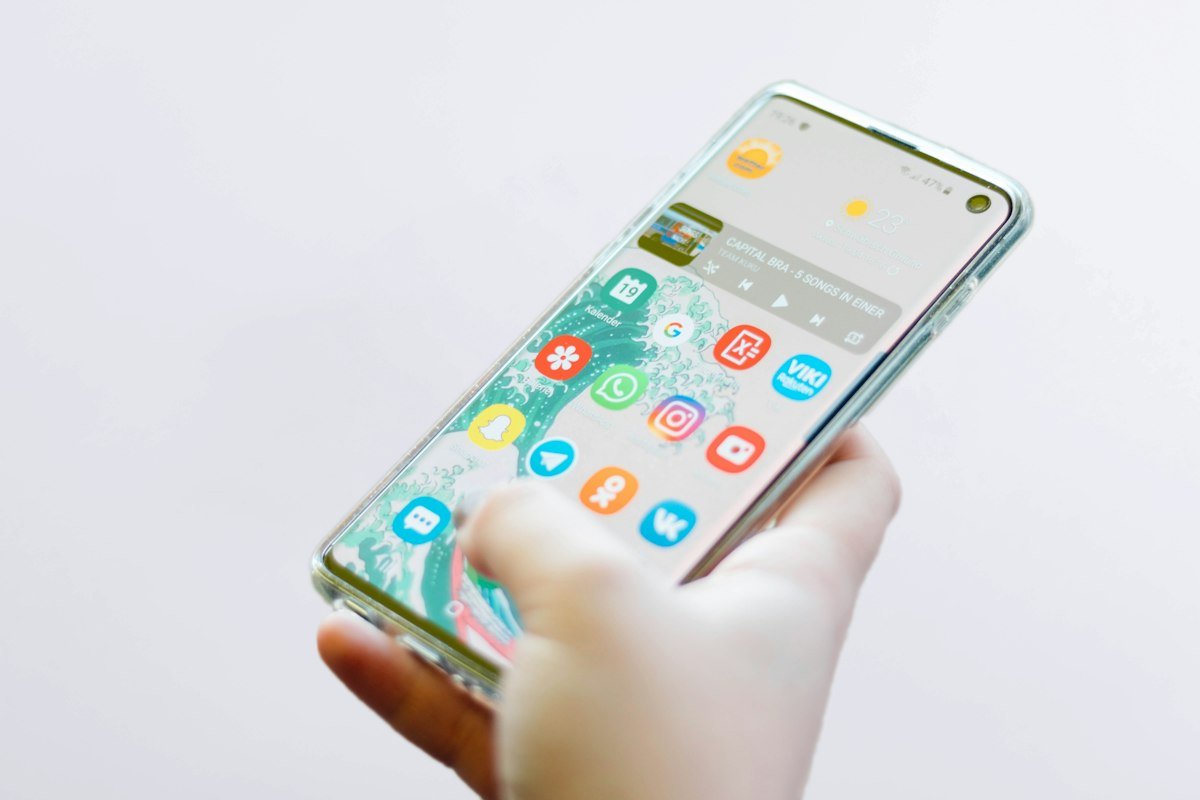
If you have ever downloaded a heavy Android game or high-definition app and found a file ending in .xapk instead of .apk, you probably noticed that Android’s default package installer throws an error. In this comprehensive guide, we show you the two easiest methods to install XAPK on Android in under three minutes.
What is an XAPK File and Why Do Developers Use It?
Google Play Store limits base APK sizes to 100MB or uses split Android App Bundles (AAB). For graphic-intensive games like PUBG, Genshin Impact, or Call of Duty Mobile, developers package the high-resolution textures into an OBB (Opaque Binary Blob) cache file. An XAPK file is simply a compressed container containing:
- The standard base APK file.
- The OBB data folder (placed in
/Android/obb/com.developer.app/). - Split configuration APKs for specific CPU architectures (ARM64, x86).
Method 1: Using an Automated XAPK Installer (Easiest & Recommended)
The fastest way to install any XAPK file without manually moving system directories is with an open-source XAPK Installer:
- Download the XAPK Installer Tool: Use our verified direct download link at the bottom of this page.
- Grant Storage Access: Open the installer app and tap Allow when prompted for All Files Access (required to read the
/Downloads/folder). - Automatic Scan: The app will automatically detect all
.xapkfiles stored on your internal storage or SD card. - One-Tap Install: Tap on the target file and select Install. The tool automatically unzips the OBB cache into your system directory and runs the APK installation seamlessly!
Method 2: Manual XAPK Installation (Using Any File Manager)
If you don’t want to install an extra tool, you can install any XAPK manually using standard file managers like ZArchiver or Files by Google:
- Locate your downloaded
filename.xapkin your Downloads folder. - Rename the Extension: Long-press the file, tap Rename, and change
.xapkto.zip(e.g.game.zip). - Extract the Archive: Tap the zip file and choose Extract Here.
- Install the APK: Tap the extracted
.apkfile and install it, but do not launch the app yet! - Move the OBB Folder: Locate the extracted
com.developer.appfolder inside the/Android/obb/subfolder. Cut and paste that folder into your phone’s internal storage path:Internal Storage → Android → obb → [paste here]. - Open the app and enjoy your game!
Troubleshooting Common XAPK Installation Errors
| Issue Encountered | Root Cause | Solution |
|---|---|---|
| Black Screen on Game Launch | OBB file was not copied to the correct /Android/obb/ path. |
Verify that the folder name matches the package name exactly. |
| Cannot Access /Android/data on Android 14+ | Google restricted scoped storage access in modern OS builds. | Use Shizuku or the automated XAPK Installer tool to bypass scoped storage. |
| Zip Archive Damaged | Download was interrupted before completing. | Re-download the XAPK file using a download manager. |
Download How to Install XAPK on Android Package
Official Verified Build • Scanned with 70+ Antivirus Engines • 100% Virus-Free
⚡ Go to High-Speed Download (10s Auto-Timer) →